
When someone clicks on your site, they decide in a few seconds whether to stay or leave and your website loading speed is often what makes that decision for them. In 2026, users expect pages to appear almost instantly on any device, and Google rewards sites that load fast and feel smooth with better visibility in search. In this guide, you’ll learn exactly why speed matters and how to increase website speed step by step, using simple, practical fixes you can apply even if you are not a developer.
These are the most important points about website loading speed and why it matters for users and Google, and the exact steps you can take to make your site faster.
There is no single magic number, but there are sensible targets. Google suggests aiming for Largest Contentful Paint (LCP) under 2.5 seconds, Interaction to Next Paint (INP) under 200 ms, and Cumulative Layout Shift (CLS) under 0.1. Independent benchmarks recommend that websites should load in under 2-3 seconds on typical connections, especially on mobile.
In real‑world tests, once load time passes about 4 seconds, bounce rate spikes dramatically, as the chart below shows:
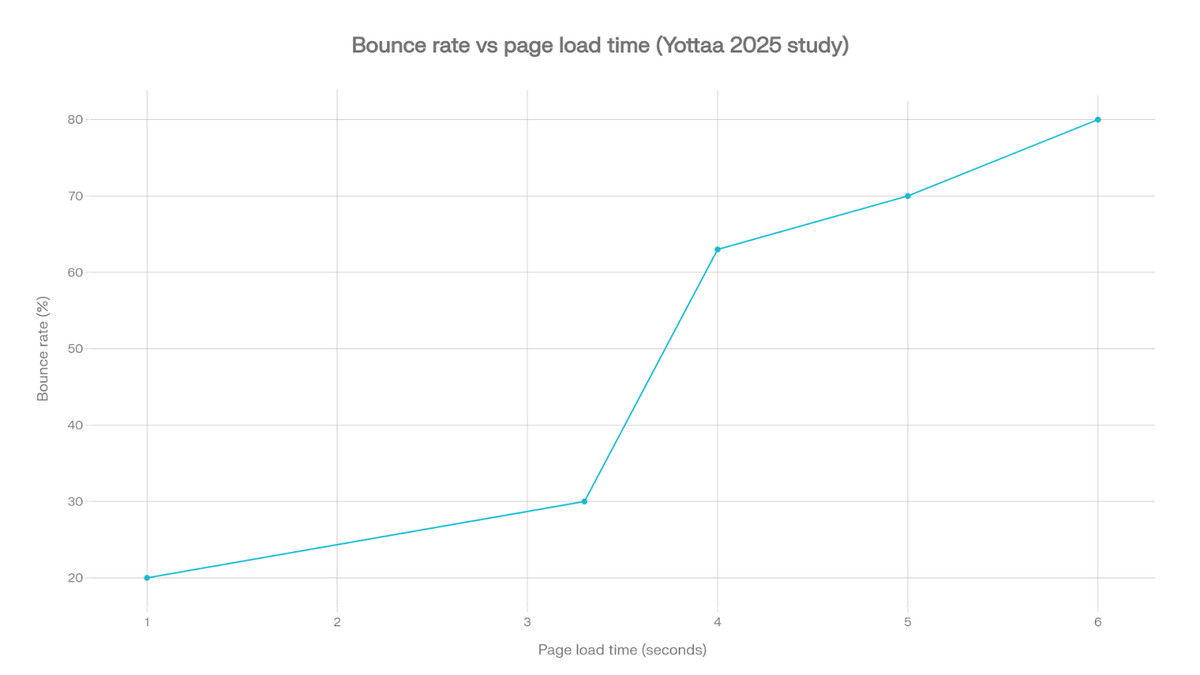
In practical terms if your pages load in around 1-3 seconds and feel stable and responsive, most visitors will stay and interact. Once website loading speed goes past 4-5 seconds, bounce rates rise quickly and conversion rates drop noticeably. Any improvement you make that moves you closer to the “under 3 seconds” range is worth it.
This section gives you a clear, numbered process you can follow. You can work through it in order or start with the steps that match the biggest problems in your speed reports.
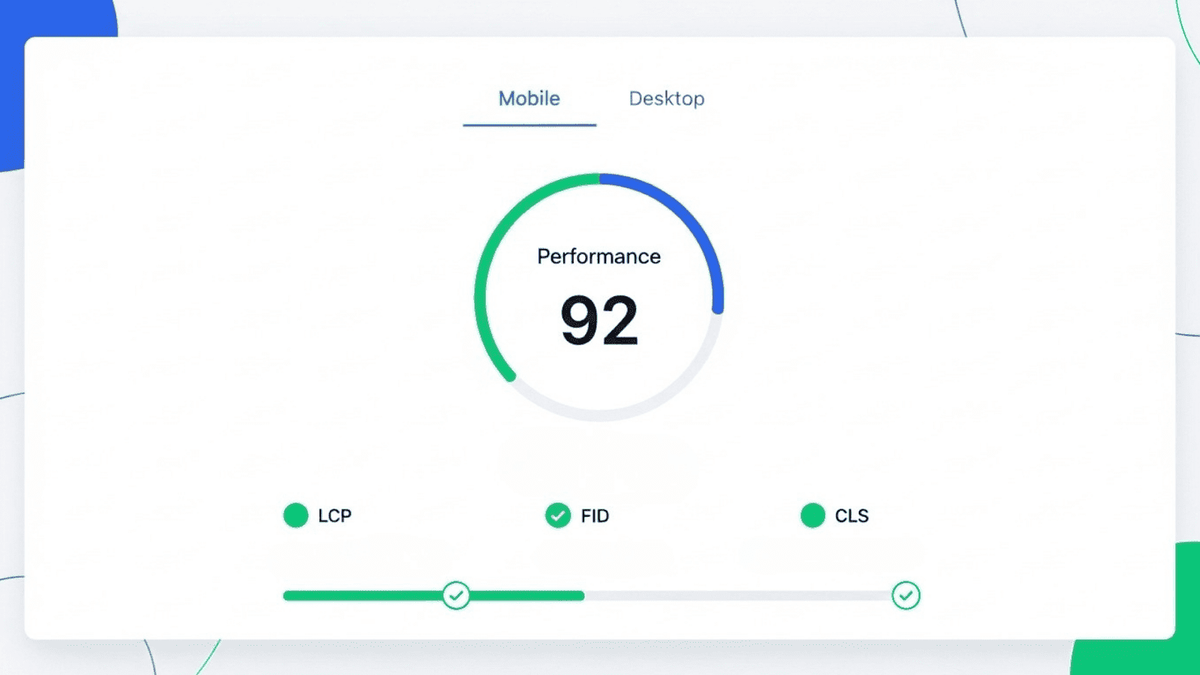
Before you change anything, measure where you are now. Guessing is not enough. Speed tests show which pages are slow and what is causing the delay.
Use at least one of these free tools:
Test your homepage and your most important service, product, and landing pages on both mobile and desktop. Note which problems show up again and again, such as “large images”, “slow server response”, or “render blocking scripts”. These will guide your work.
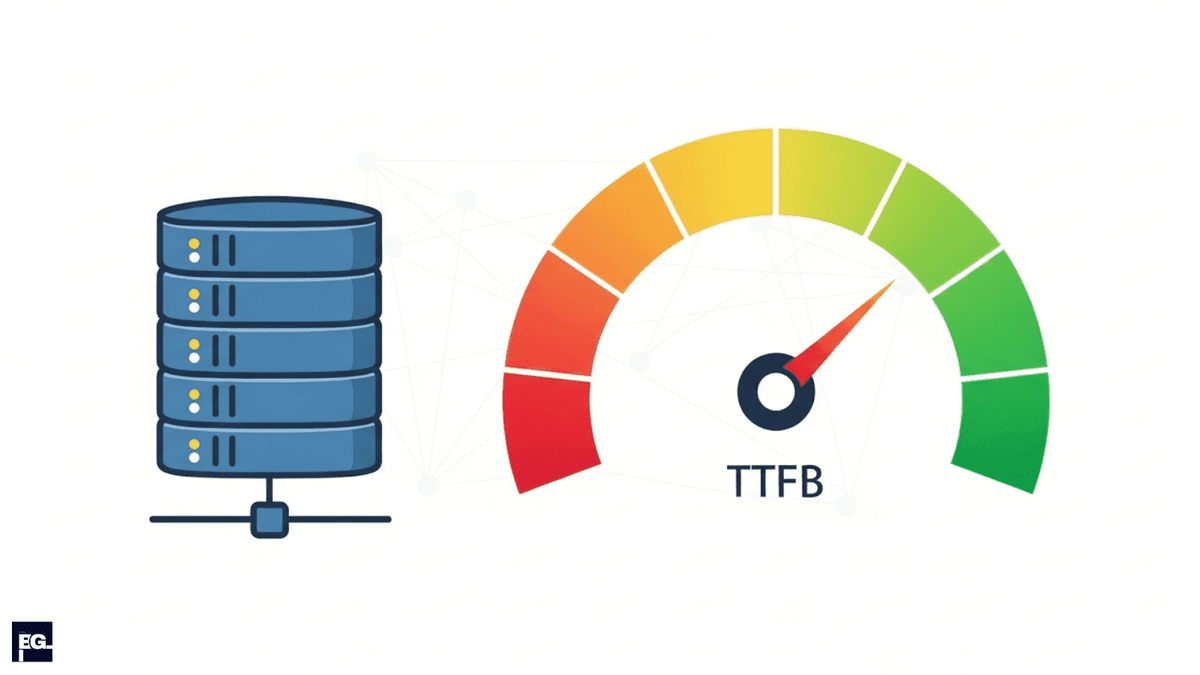
When you’re trying to fix website loading speed, your hosting is often the main culprit. If the server is slow or overcrowded, every page on your site will feel slow no matter how well you optimise everything else. A big part of better website loading speed is reducing the Time to First Byte (TTFB) and how long it takes for the first response from your server.
A better hosting environment often cuts one or more seconds off your initial load time, which visitors feel immediately and which helps your Core Web Vitals scores.
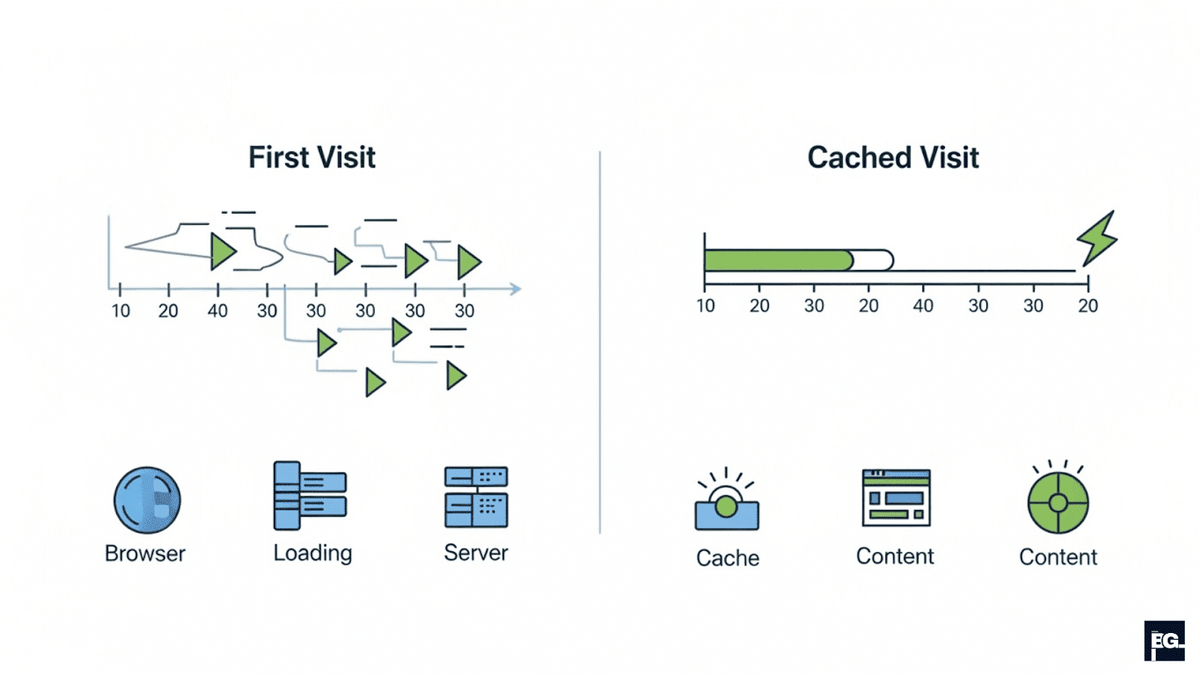
Caching lets your site serve ready made pages and files instead of rebuilding everything from scratch every time someone visits. It is one of the easiest and most powerful ways to increase website speed.
With caching in place, repeat visitors and people who browse multiple pages will see a big jump in website loading speed.

A Content Delivery Network (CDN) stores copies of your static files on servers around the world. When someone visits your site, the CDN serves those files from the nearest location rather than from your main server, which reduces delays and speeds up delivery.
To set it up:
If your visitors are spread across different regions or countries, a CDN is one of the most effective ways to improve website loading speed for everyone.
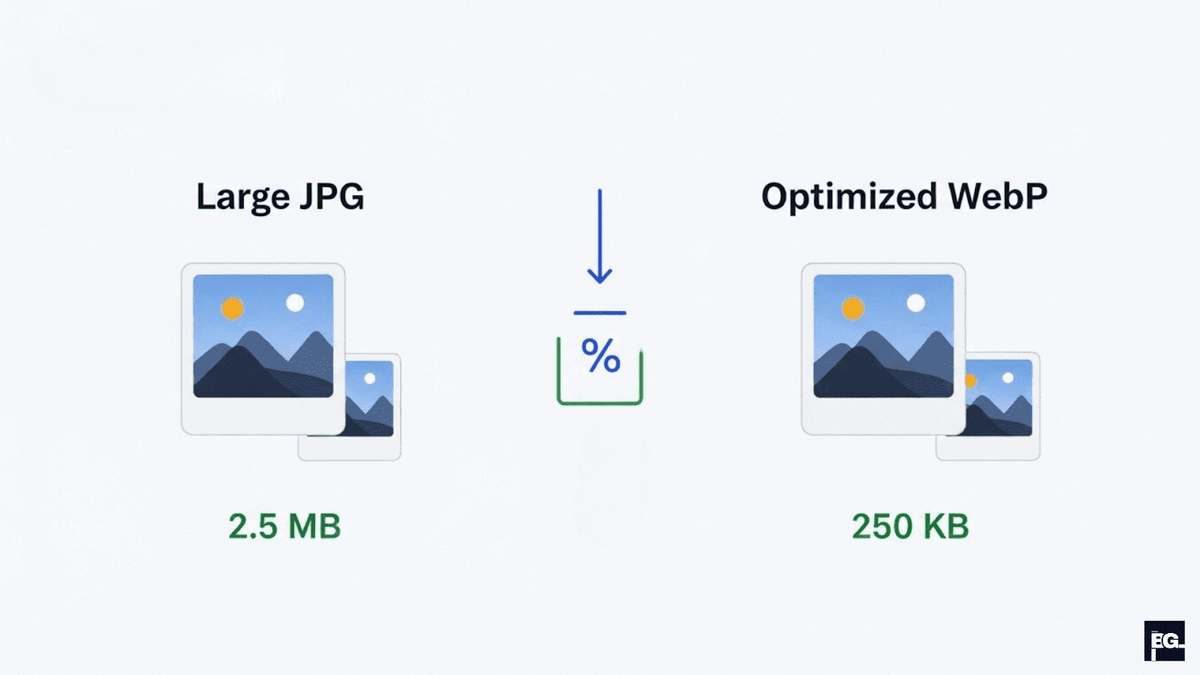
Large images and videos are among the most common reasons for slow website loading speed. High resolution media looks great, but if you upload it without optimisation, every visitor pays in extra waiting time.
Work through this media checklist:
These steps can easily cut total page weight by 30 to 70%, which has a direct impact on how fast your site feels and how well it scores in speed tests.
Over time, sites collect plugins, tracking codes, chat widgets, pop‑ups, and other scripts. Each one adds extra code for the browser to download and run, which can slow down even a well hosted and well cached site.
To slim things down:
The aim is a lean setup where only the code that truly matters loads early. This makes pages feel lighter and more responsive.
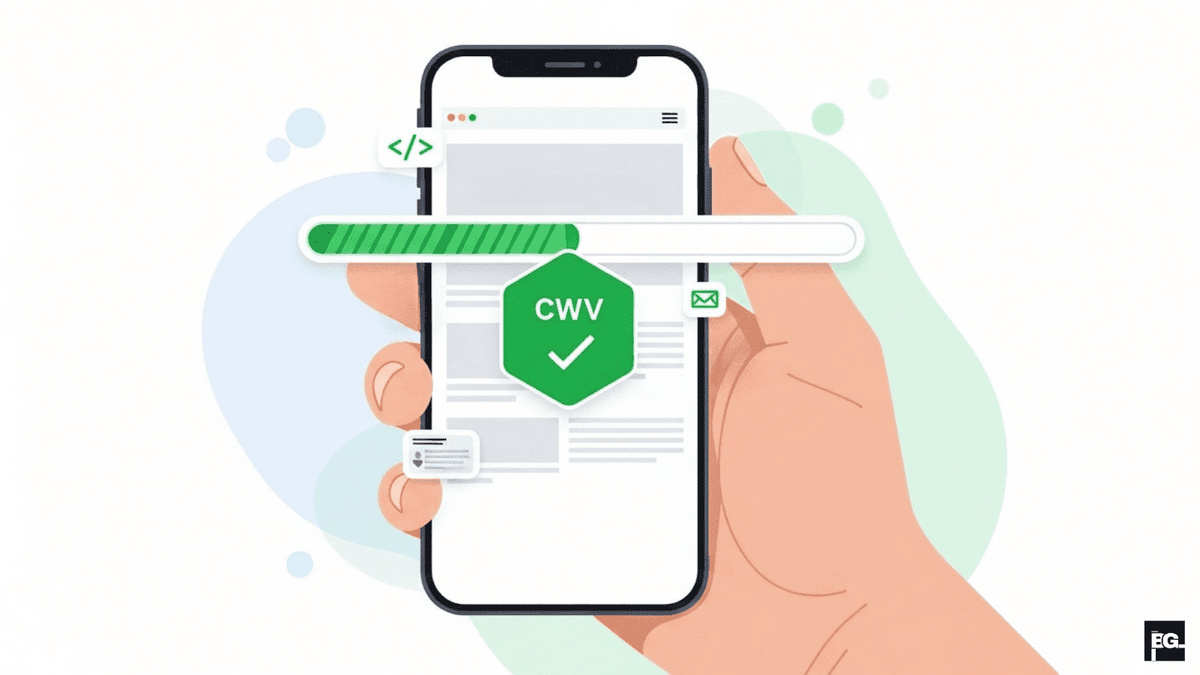
Most web traffic now comes from mobile devices, and Google uses mobile‑first indexing, which means it mainly looks at your mobile site when ranking you. If your mobile experience is slow or clumsy, both users and search engines will notice.
To improve website loading speed and usability on mobile:
A fast, clean mobile experience improves Core Web Vitals and keeps visitors on your site longer, which leads to more leads and sales.
Website loading speed is not something you fix once and forget. New content, design changes, and extra tools can slowly make things heavy again if you do not pay attention.
Create a light routine like this:
With this simple schedule, you keep website loading speed under control and avoid nasty surprises during campaigns or high‑traffic periods.
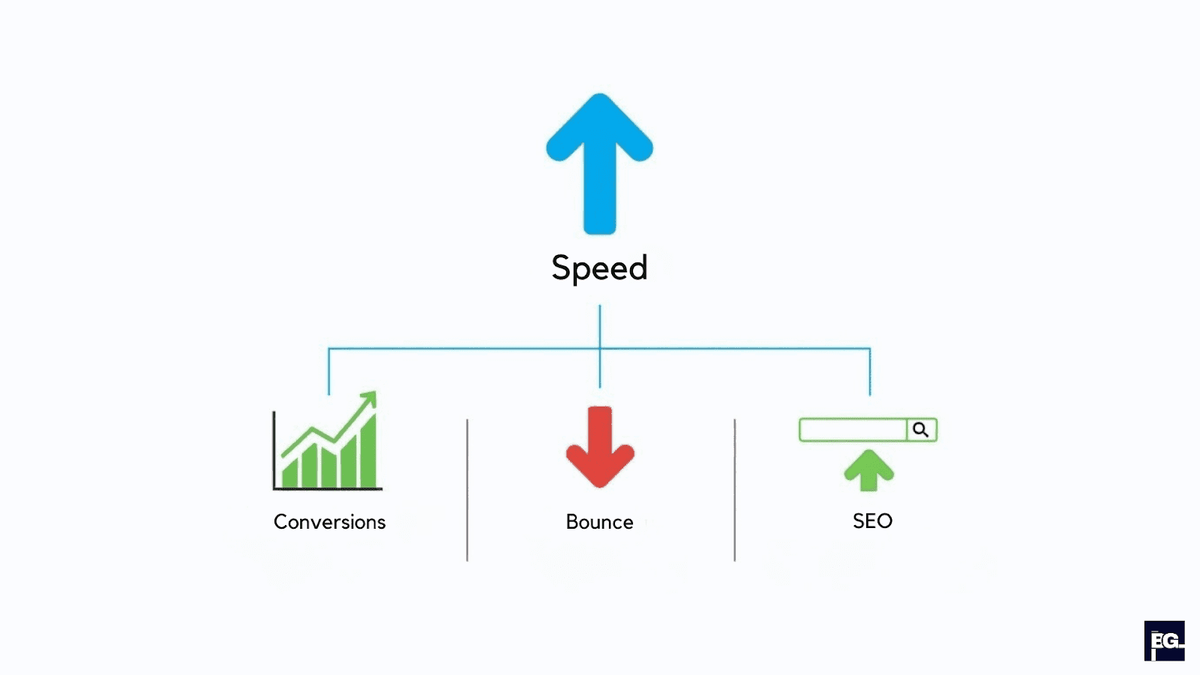
It is easy to see performance as something only developers should worry about, but in 2026, speed is clearly a business issue. A fast site feels trustworthy, modern, and respectful of people’s time. A slow site quietly pushes visitors away before they ever see your content or your offer, which means lost traffic, lost leads, and lost revenue.
Quick Recommendation: If you take website loading speed seriously and follow these steps, test, improve hosting, enable caching, use a CDN, optimise images and code, focus on mobile, and maintain performance over time, you will give both users and search engines a much better experience. That is how to increase website speed in a practical way and turn it into a real competitive advantage for your brand.
If you want expert help turning these ideas into real results, Braingig can do the heavy lifting for you. We design and build fast, conversion‑focused websites, audit existing sites for performance issues, and set up the right mix of hosting, caching, CDN, and on‑page fixes to improve website loading speed without breaking your design. Contact our team today!
Website loading speed is the time it takes for your page to appear and become usable after someone clicks a link or types in your URL.
Website loading speed matters because slow pages make people leave before they even see your offer. A fast site keeps visitors longer, helps them trust you more, and usually leads to more enquiries and sales.
Yes. Google uses page experience signals, including Core Web Vitals, as part of its ranking systems. If your website loading speed is very slow and your Core Web Vitals are poor, it can hurt your visibility compared to faster competitors, especially when users are on mobile.
Yes, many improvements are possible without deep technical skills. You can compress images, remove unused plugins, set up basic caching (often via simple plugins or settings), and use a CDN with guided setup.
Not every single page needs to be perfect, but your key pages do. Focus first on your homepage, top service or product pages, and any landing pages you use for campaigns.